
Build A Basketball Dynasty Tools Hub
Clipboards for Perfect Team and the ranked ladder — no fake calculators.
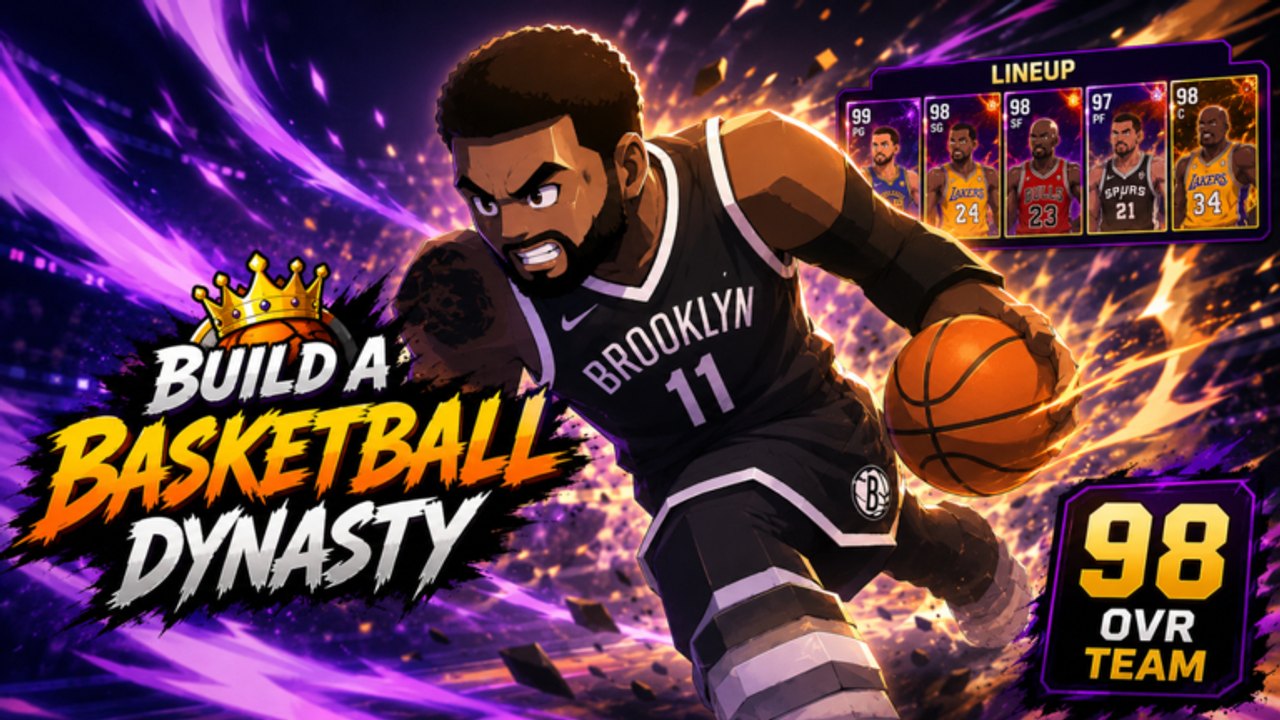
Not every “tool” on a Roblox wiki needs a JavaScript widget. Build A Basketball Dynasty hides its math on the server. We will not ship a fake OVR calculator that disagrees with the lobby. What we will ship are checklists that make the lobby number and the ranked ladder less mysterious.
Tool pages
- Team OVR planner — how Starting 5 upgrades move you toward the Perfect Team badge at 100 Team OVR.
- Ranked checklist — a pre-queue list from Gold to Legend.
Use them with Starting 5 tiers and positions. A tool that ignores roles is a toy.
Why there is no pack-odds widget
The studio has not published rates. A slider that says “0.3% GOAT” would be fanfiction with extra steps. Track real things instead:
- Team OVR before/after a session.
- Index percent.
- Ranked badge progress.
- Whether the hole you named got filled.
Write those four in notes. That is a better tracker than a CSS gauge.
Why there is no trade calculator
No official player market is documented. If UPD2 adds trades, we will warn you on updates and add a scam section the same day. Until then, anyone offering “calculate your GOAT value in Robux” is selling air.
How to use this hub in a session
Before packs: name the hole (Center, PG, …).
During packs: assign only if the hole fills or overall clearly rises and the role is right.
After packs: open the OVR planner mentally — did the lobby number move?
Before ranked: run the ranked checklist.
After ranked: one swap, not five.
That is the whole tools philosophy. Paper beats GUI when the GUI would lie.
Pairing with codes and scripts
Redeem codes first so the planner session includes free packs. Do not open a script to “calculate luck.” Luck is a server roll.
If you want a downloadable sheet, copy the tables on the two child pages into your own doc. We keep them in HTML so they stay dated with the wiki instead of rotting in a random spreadsheet with 2019 overalls.
Play after you plan. A clipboard that never queues is just another Index.
Frequently Asked Questions
Quick answers to the most common questions.
Is there an interactive OVR calculator?
No. The lobby is the calculator. The planner tells you which swaps are worth clicking.
Can I track ranked here?
Use the ranked checklist plus the badge list in climb ranked.
Will you add a pack simulator?
Not without official rates. We will not invent percentages.
Do tools work on mobile?
Yes. They are checklists, not apps. Screenshot them.