
Build A Basketball Dynasty How to Redeem Codes
Paste the string in the lobby Codes window — never on a fake website.
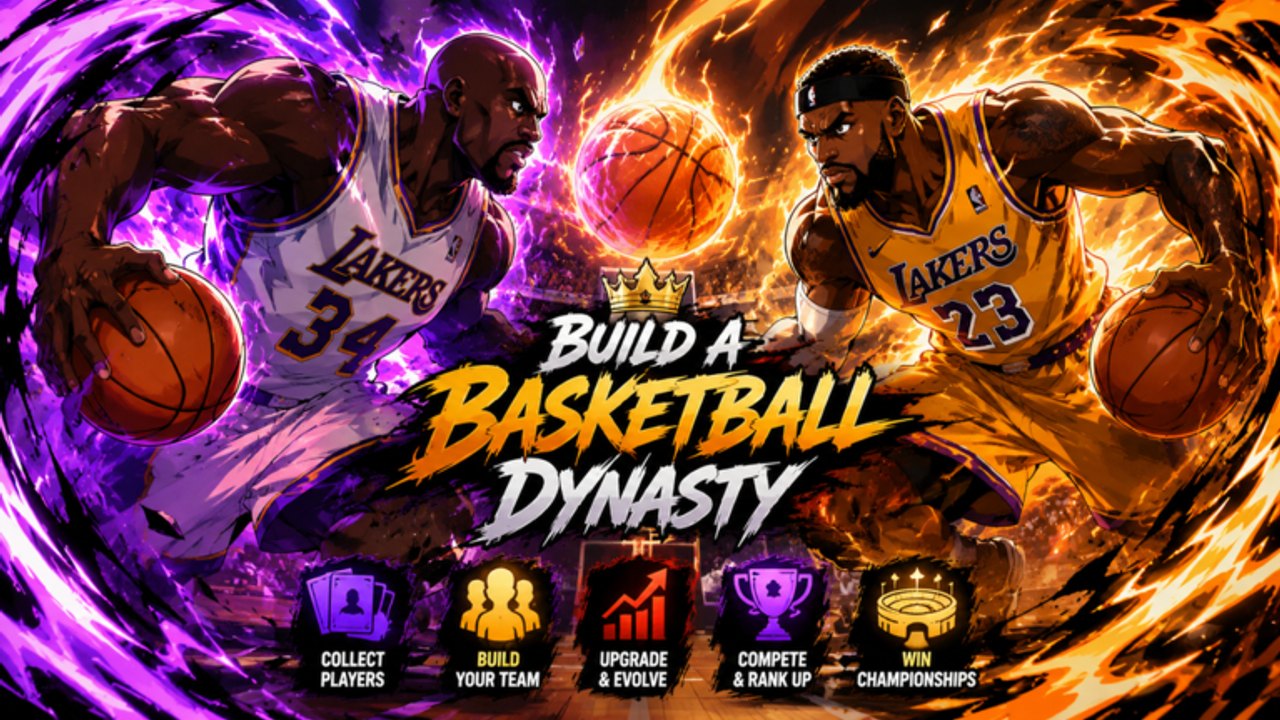
Redeeming a Build A Basketball Dynasty code takes under a minute if you are already in the lobby. The game follows the same sports-sim pattern as other pack titles: a Codes button on the right side of the screen, a text field, and an Enter confirm. This page is the click-by-click version so you do not lose a limited drop while hunting menus.
Before you type anything
- Launch Build A Basketball Dynasty from Roblox, not a browser clone.
- Finish the short tutorial if it is your first session — the Codes button is easy to miss during the intro camera.
- Join the L3vi Studio’s group if the drop notes say the code is members-only.
- Copy the string from the codes hub or where to find codes, not from a random comment.
Do not log out to “refresh” unless the toast tells you the server is outdated. A relog can cost you a lucky pack queue.
Step-by-step in the lobby
- Stand in the main lobby (not inside a sim match or ranked queue).
- Look at the right-hand HUD. Pack games in this studio style put Codes, Shop, and Index in a vertical stack.
- Open Codes.
- Click the input box so the mobile keyboard or PC cursor appears.
- Paste with Ctrl+V / Cmd+V. On mobile, long-press → Paste. Typing by eye is how most expired-looking codes actually fail.
- Press Enter / Redeem.
- Wait for the success toast. Rewards land in inventory, not in the Starting 5 automatically.
- Leave the Codes window and open Packs so you can spend the drop.
If nothing happens, you are probably still in a match camera. Back out to the lobby and try once more.
Exact string rules
Codes in Roblox sports sims are almost always case-sensitive. UPD1 is not upd1. Spaces at the start or end of a paste will fail. Emoji copied from a YouTube title will fail. Hidden Unicode from Discord (zero-width characters) will fail — paste into Notepad first if a “correct” code keeps bouncing.
Some drops include punctuation (! or ?). Copy those characters. Do not “fix” the code.
What the toasts mean
- Success / Rewarded — packs, cash, or a luck item hit your inventory. Open Packs next.
- Invalid — wrong game or a typo. Confirm you are not using a Build A Basketball Team or Basketball Dynasty RNG string.
- Expired — the drop already ended. Move it out of your notes; we will list retired codes on the hub when we have them.
- Already redeemed — you used it on this account. Alts are against Roblox ToS; do not farm codes that way.
- Group required — join L3vi Studio’s, wait a minute, relog, retry.
After a successful redeem
Spend the packs with a plan:
- Fill empty Starting 5 slots before chasing duplicates.
- Read position fits so you do not lock five scorers.
- If the reward is a luck boost, sit down for a real roll session and review Shiny GOAT.
- Log Team OVR before and after in the OVR planner so you know whether the drop actually moved the badge needle.
A code that adds three packs and zero Starting 5 upgrades is still a win — those extras feed the Index.
Mobile versus PC
On phone, the Codes button can hide under the Roblox chat or the thumb cluster. Rotate to landscape if the field will not focus. On console, open the on-screen keyboard from the same Codes button; do not try to type a 12-character code with a stick if paste is available through Roblox overlay.
PC players should keep the codes hub in a browser tab, copy, then alt-tab back. Closing Roblox to “copy better” is how people miss limited-time strings.
Safety
The only legitimate field is inside the experience. Any site that asks you to log in to “claim codes” is a phishing page. Pair this habit with the script safety notes: executors that inject a fake Codes GUI have stolen accounts in other pack games.
When the toast is green, go sim. Redeeming is not playing — win a league with the new cards.
Frequently Asked Questions
Quick answers to the most common questions.
Where is the Codes button?
On the right side of the lobby HUD. Leave a match camera if you cannot see it.
Can I redeem on a phone?
Yes. Long-press paste is more reliable than typing. Landscape mode helps the field focus.
The code says invalid. Now what?
Check spelling, then confirm it is for this game, not Basketball Dynasty RNG. See where to find codes.
Do rewards auto-equip?
No. Packs go to inventory. You still open them and assign cards to the Starting 5.